







City Blocks






 4.8 / 5(48,711 Votes)
Instructions
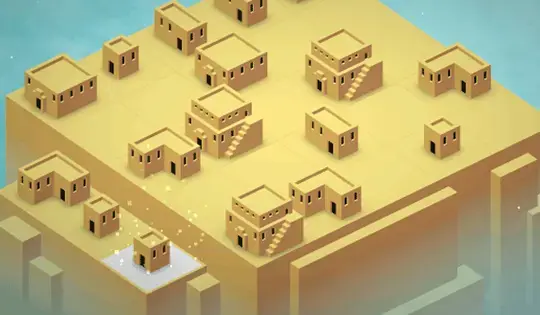
Click on a square to build a building. When you connect three of the same type of building, they'll merge and create a bigger building!
Keep an eye on the meter in the upper left corner. That's how many people are in your city. When the meter is filled, you'll receive a joker. Click on the joker to choose what the next building will be, but larger buildings will cost more jokers.
How to play City Blocks on your phone
Did you know you can also play City Blocks on your phone? It’s a great way to play without worrying about losing your save data.
For iOS devices, simply tap the "Share" icon  in Safari and select "Add to Home Screen". For Android devices, tap the “Menu” icon
 and select "Install App".
Game Progress

 4.8 / 5(48,711 Votes)
Instructions
Click on a square to build a building. When you connect three of the same type of building, they'll merge and create a bigger building!
Keep an eye on the meter in the upper left corner. That's how many people are in your city. When the meter is filled, you'll receive a joker. Click on the joker to choose what the next building will be, but larger buildings will cost more jokers.
How to play City Blocks on your phone
To play City Blocks easily any time, you can add it directly to your phone as an app. It’s a great way to play without worrying about losing your game save data.
For iOS devices, simply tap the "Share" icon in Safari and select "Add to Home Screen". For Android devices, tap the “Menu” icon and select "Install App".
Votes