










![Play sheld[ON] online](/sites/default/files/sheld%5Bon%5D-icon.png)

![sheld[ON] icon](/sites/default/files/styles/app_icon/public/sheld%5Bon%5D-icon.png?itok=dKJxFgCG)

sheld[ON]





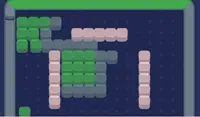


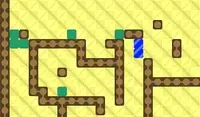
指示
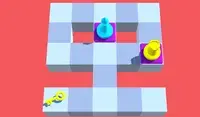
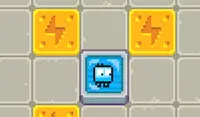
Slide the robots and turn on the power! Left Click to select a robot and green X's will appear to indicate where the robot can slide to. Click on one of those X's to move the robot to that spot. Sliding the robot uses up one bolt of electricity, shown above their head. If the bot runs out of power, then it can no longer move.
Your goal is to slide the robots into each outlet to turn on all of the lightbulbs! Each lightbulb requires a certain amount of power to light, indicated by the dots underneath the plug.
You can slide one robot into another to move it without it using any power. But if you slide a red robot into a blue robot, it will destroy the blue robot!
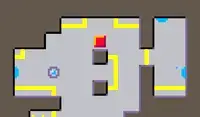
In later levels, you'll find some wires have broken! Luckily, there are wire bits you can move. However, these bits can only move one space at a time. Once the bit reaches the broken wire, it'll connect and restore the power!
ロボットをスライドさせて電源を入れましょう!左クリックでロボットを選択すると、緑の×印が表示され、ロボットがスライドできる場所を示します。×印をクリックすると、ロボットがその場所に移動します。ロボットをスライドさせると、ロボットの頭上に表示されている電気が1つ消費されます。電気が切れると、ロボットは動けなくなります。
あなたの目標は、ロボットを各コンセントに差し込んで、すべての電球を点灯させることです。各電球を点灯させるには、プラグの下のドットで示されている一定量の電力が必要です。
ロボットを別のロボットにスライドさせることで、動力を使わずに動かすことができます。ただし、赤いロボットを青いロボットにスライドさせると、青いロボットは破壊されてしまいます。
後半のレベルでは、電線が切れていることに気づきます!幸い、動かすことのできる電線ビットがあります。ただし、ビットは一度に1マスしか動かせません。ビットが切れた電線に到達すると、接続されて電力が復旧します!

ゲームの進行状況


指示

投票