













SHAPE Demo
आप भी पसंद करेंगे



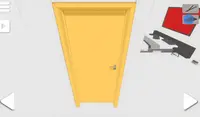

निर्देश
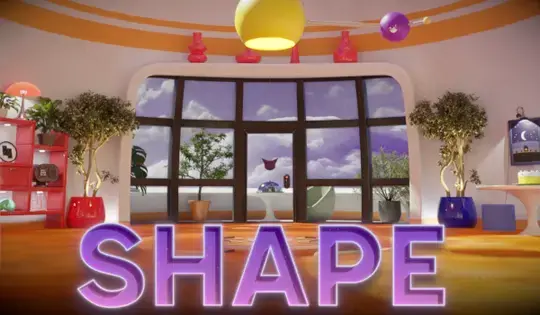
SHAPE, Steam पर TRACE: Definitive Edition का एक मुफ़्त अपडेट है!
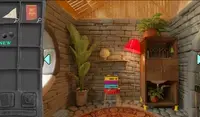
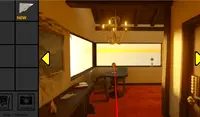
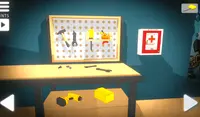
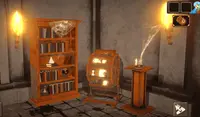
इस डेमो में, आप पहले कमरे में फंस गए हैं और आपको बाहर निकलने का रास्ता खोजना होगा! चारों ओर देखने के लिए तीरों पर क्लिक करें। करीब से देखने के लिए फर्नीचर और मशीनों पर क्लिक करें। आपको सुराग और कुछ उपयोगी वस्तुएं भी मिलेंगी।
जब आप कोई वस्तु एकत्र करते हैं, तो वह स्क्रीन के ऊपरी भाग में स्थित आपके इन्वेंट्री ड्रॉअर में चली जाएगी। अपनी इन्वेंट्री खोलने और अपनी वस्तुएं देखने के लिए ड्रॉअर पर क्लिक करें। किसी वस्तु का निरीक्षण करने के लिए, उस पर दायाँ क्लिक करें। वस्तु का उपयोग करने के लिए, उस पर बायाँ क्लिक करें और कमरे में मौजूद विभिन्न वस्तुओं के साथ बातचीत करने के लिए वस्तु का उपयोग करें।
अगर आपको कुछ दिलचस्प लगे, तो उसकी तस्वीर खींच लें। कैमरा खोलने के लिए स्क्रीन के दाईं ओर बने ड्रॉअर पर क्लिक करें। तस्वीर खींचने के लिए कैमरे के ऊपर बने लाल बटन पर क्लिक करें। तस्वीर पर चित्र बनाने के लिए कैमरे पर बने पेंसिल आइकन पर क्लिक करें। चित्र मिटाने के लिए, दाएँ क्लिक करें और माउस को घुमाकर चित्र मिटा दें।
SHAPE, Steam पर TRACE: Definitive Edition का एक मुफ़्त अपडेट है!
इस डेमो में, आप पहले कमरे में फंस गए हैं और आपको बाहर निकलने का रास्ता खोजना होगा! आस-पास देखने के लिए तीरों पर क्लिक करें। करीब से देखने के लिए फर्नीचर और अजीब मशीनों पर क्लिक करें। आपको सुराग और कुछ उपयोगी वस्तुएं भी मिलेंगी।
जब आप कोई वस्तु एकत्र करते हैं, तो वह स्क्रीन के ऊपरी भाग में स्थित आपके इन्वेंट्री ड्रॉअर में चली जाएगी। अपनी इन्वेंट्री खोलने और अपनी वस्तुएं देखने के लिए ड्रॉअर पर क्लिक करें। किसी वस्तु का निरीक्षण करने के लिए, उस पर दायाँ क्लिक करें। वस्तु का उपयोग करने के लिए, उस पर बायाँ क्लिक करें और कमरे में मौजूद विभिन्न वस्तुओं के साथ बातचीत करने के लिए वस्तु का उपयोग करें।
अगर आपको कुछ दिलचस्प लगे, तो उसकी तस्वीर खींच लें। कैमरा खोलने के लिए स्क्रीन के दाईं ओर बने ड्रॉअर पर क्लिक करें। तस्वीर खींचने के लिए कैमरे के ऊपर बने लाल बटन पर क्लिक करें। तस्वीर पर चित्र बनाने के लिए कैमरे पर बने पेंसिल आइकन पर क्लिक करें। चित्र मिटाने के लिए, दाएँ क्लिक करें और माउस को घुमाकर चित्र मिटा दें।
खेल प्रगति


आप भी पसंद करेंगे
निर्देश

वोट