












Blocko









Instructions
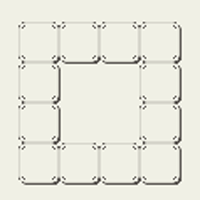
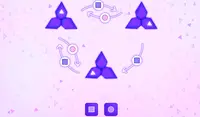
Connect the blocks to create the shape! Tap on a set of blocks and move them next to another set to connect them. You cannot move block sets that are connected, however.
When you have completed a level, tap on the screen to go to the next level.
If you're stuck, tap on the lightbulb to get a hint. Each hint will show you where each set of blocks should be positioned in the shape.
Connect the blocks to create the shape! Click on a set of blocks and move them next to another set to connect them. You cannot move block sets that are connected, however.
When you have completed a level, click on the screen to go to the next level.
If you're stuck, click on the lightbulb to get a hint. Each hint will show you where each set of blocks should be positioned in the shape.
How to play Blocko on your phone
Did you know you can also play Blocko on your phone? It’s a great way to play without worrying about losing your save data.
For iOS devices, simply tap the "Share" icon  in Safari and select "Add to Home Screen". For Android devices, tap the “Menu” icon
  and select "Install App".
Game Progress


Instructions
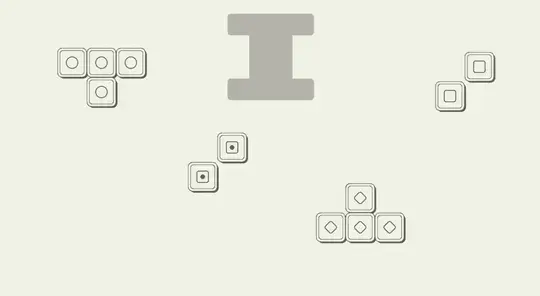
Connect the blocks to create the shape! Tap on a set of blocks and move them next to another set to connect them. You cannot move block sets that are connected, however.
When you have completed a level, tap on the screen to go to the next level.
If you're stuck, tap on the lightbulb to get a hint. Each hint will show you where each set of blocks should be positioned in the shape.
How to play Blocko on your phone
To play Blocko easily any time, you can add it directly to your phone as an app. It’s a great way to play without worrying about losing your game save data.
For iOS devices, simply tap the "Share" icon in Safari and select "Add to Home Screen". For Android devices, tap the “Menu” icon and select "Install App".

Votes