












Card Cooker









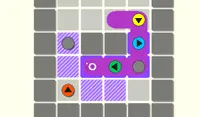





Instructions
Drag cards onto the board to move the chef. Put a card directly on the chef to move them!
When there are multiple ingredients, make sure you grab them in the correct order. You can see the order in the top left corner of the screen.
Tap the restart button if you get stuck!
Click and drag cards onto the board to move the chef. Put a card directly on the chef to move them!
When there are multiple ingredients, make sure you grab them in the correct order. You can see the order in the top left corner of the screen.
Press R or click the restart button if you get stuck!
How to play Card Cooker on your phone
Did you know you can also play Card Cooker on your phone? It’s a great way to play without worrying about losing your save data.
For iOS devices, simply tap the "Share" icon  in Safari and select "Add to Home Screen". For Android devices, tap the “Menu” icon
  and select "Install App".
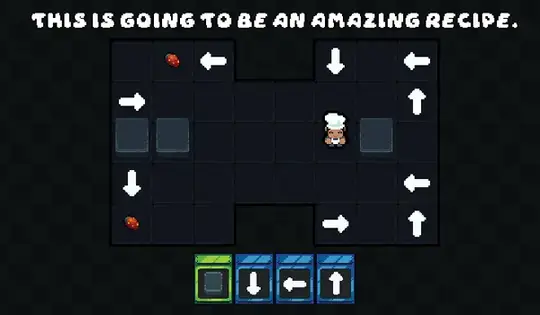
Game Progress


Instructions
Drag cards onto the board to move the chef. Put a card directly on the chef to move them!
When there are multiple ingredients, make sure you grab them in the correct order. You can see the order in the top left corner of the screen.
Tap the restart button if you get stuck!
How to play Card Cooker on your phone
To play Card Cooker easily any time, you can add it directly to your phone as an app. It’s a great way to play without worrying about losing your game save data.
For iOS devices, simply tap the "Share" icon in Safari and select "Add to Home Screen". For Android devices, tap the “Menu” icon and select "Install App".

Votes