










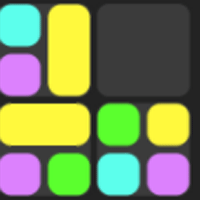


Jelly Matches



Instructions
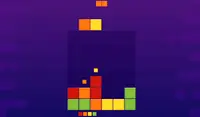
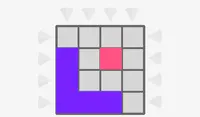
At the top of the screen, you'll see how many colorful jellies you need to collect. Each turn, you'll get a jelly block to place in the grid. Tap on this block and slide to move the block where you want to drop it. Once you're ready to drop the block, release.
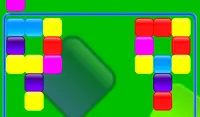
When blocks of the same color touch, they'll be removed from the grid. This is how you collect the jelly blocks you need! If there is more than one block in a spot, the remaining blocks will expand to fill up their spot in the grid.
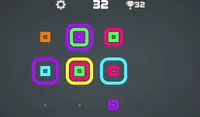
In later levels, some blocks may have special properties. If a block has a shield, it needs to connect with the same colored block once to remove the shield and then it can be collected with another match. A block with a green number will add an extra block to your collection, which will require you to collect fewer blocks. A block with a red subtraction number will remove blocks you have already collected, meaning you'll have to collect more blocks!
Don't fill up the grid or it's game over!
At the top of the screen, you'll see how many colorful jellies you need to collect. Each turn, you'll get a jelly block to place in the grid. Click the block and drag to move the block to where you want to drop it. Once you're ready to drop the block, release the mouse button.
When blocks of the same color touch, they'll be removed from the grid. This is how you collect the jelly blocks you need! If there is more than one block in a spot, the remaining blocks will expand to fill up their spot in the grid.
In later levels, some blocks may have special properties. If a block has a shield, it needs to connect with the same colored block once to remove the shield and then it can be collected with another match. A block with a green number will add an extra block to your collection, which will require you to collect fewer blocks. A block with a red subtraction number will remove blocks you have already collected, meaning you'll have to collect more blocks!
Don't fill up the grid or it's game over!
How to play Jelly Matches on your phone
Did you know you can also play Jelly Matches on your phone? It’s a great way to play without worrying about losing your save data.
For iOS devices, simply tap the "Share" icon  in Safari and select "Add to Home Screen". For Android devices, tap the “Menu” icon
  and select "Install App".
Game Progress


Instructions
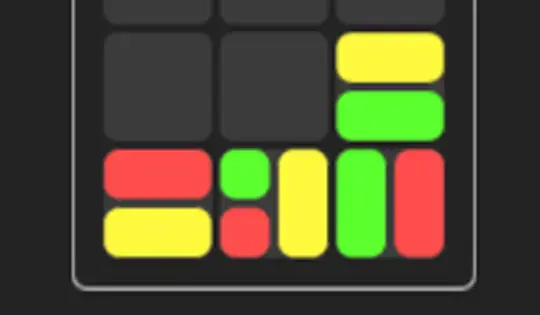
At the top of the screen, you'll see how many colorful jellies you need to collect. Each turn, you'll get a jelly block to place in the grid. Tap on this block and slide to move the block where you want to drop it. Once you're ready to drop the block, release.
When blocks of the same color touch, they'll be removed from the grid. This is how you collect the jelly blocks you need! If there is more than one block in a spot, the remaining blocks will expand to fill up their spot in the grid.
In later levels, some blocks may have special properties. If a block has a shield, it needs to connect with the same colored block once to remove the shield and then it can be collected with another match. A block with a green number will add an extra block to your collection, which will require you to collect fewer blocks. A block with a red subtraction number will remove blocks you have already collected, meaning you'll have to collect more blocks!
Don't fill up the grid or it's game over!
How to play Jelly Matches on your phone
To play Jelly Matches easily any time, you can add it directly to your phone as an app. It’s a great way to play without worrying about losing your game save data.
For iOS devices, simply tap the "Share" icon in Safari and select "Add to Home Screen". For Android devices, tap the “Menu” icon and select "Install App".

Votes