












Mini Blocks DX

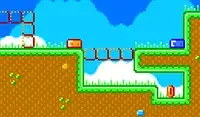

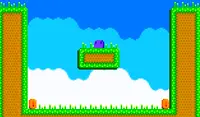

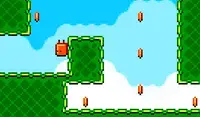



 4.5 / 5(1,209 Votes)
Instructions
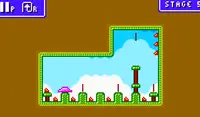
Tap the right side of the screen to jump. Tap and hold longer to jump higher. You can also press the jump button while against a wall to wall jump.
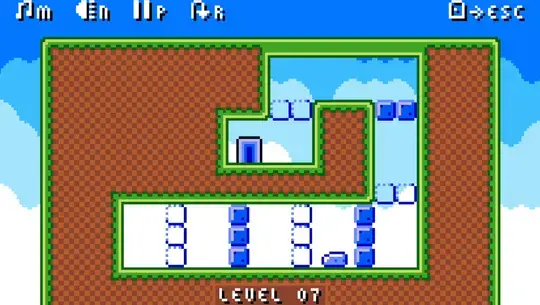
In later levels, there will be blue blocks that'll stop you from moving! Tap the left side of the screen to turn them on or off.
Remember to avoid the spikes!
Press W, C, Up Arrow, or Left Click to jump. Press and hold any jump key to jump higher. You can also press the jump button while against a wall to wall jump.
In later levels, there will be blue blocks that'll stop you from moving! Press SPACE, X, D, or Right Click to turn them on or off.
Remember to avoid the spikes!
How to play Mini Blocks DX on your phone
Did you know you can also play Mini Blocks DX on your phone? It’s a great way to play without worrying about losing your save data.
For iOS devices, simply tap the "Share" icon  in Safari and select "Add to Home Screen". For Android devices, tap the “Menu” icon
  and select "Install App".
Game Progress

 4.5 / 5(1,209 Votes)
Instructions
Tap the right side of the screen to jump. Tap and hold longer to jump higher. You can also press the jump button while against a wall to wall jump.
In later levels, there will be blue blocks that'll stop you from moving! Tap the left side of the screen to turn them on or off.
Remember to avoid the spikes!
How to play Mini Blocks DX on your phone
To play Mini Blocks DX easily any time, you can add it directly to your phone as an app. It’s a great way to play without worrying about losing your game save data.
For iOS devices, simply tap the "Share" icon in Safari and select "Add to Home Screen". For Android devices, tap the “Menu” icon and select "Install App".
Votes