










Toybox Easter Puzzle




Instructions
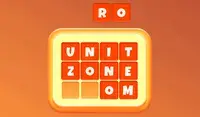
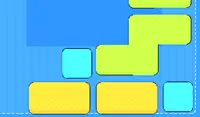
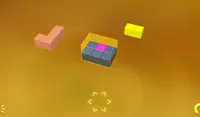
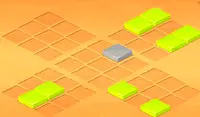
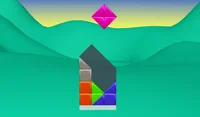
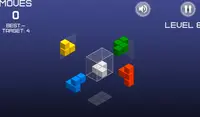
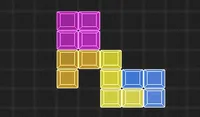
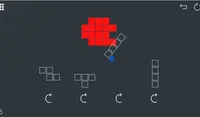
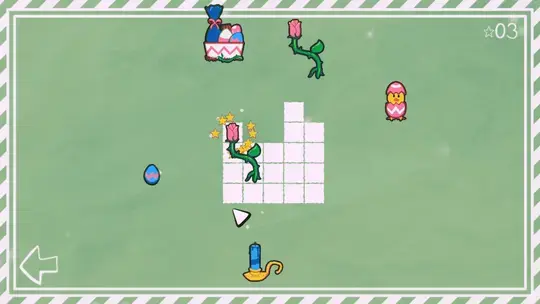
Your goal is to place all the Easter objects into the grid! To do this, click on an object and move it onto the grid. When you think you've found the right spot, release the mouse to place the object. Make sure none of the items overlap with each other!
Each item takes up a certain amount of boxes on the grid. If you want to restart the level, press R to restart.
Your goal is to place all the Easter objects into the grid! To do this, click on an object and move it onto the grid. When you think you've found the right spot, release the mouse to place the object. Make sure none of the items overlap with each other!
Each item takes up a certain amount of boxes on the grid. If you want to restart the level, press R to restart.
How to play Toybox Easter Puzzle on your phone
Did you know you can also play Toybox Easter Puzzle on your phone? It’s a great way to play without worrying about losing your save data.
For iOS devices, simply tap the "Share" icon  in Safari and select "Add to Home Screen". For Android devices, tap the “Menu” icon
  and select "Install App".
Game Progress


Instructions
Your goal is to place all the Easter objects into the grid! To do this, click on an object and move it onto the grid. When you think you've found the right spot, release the mouse to place the object. Make sure none of the items overlap with each other!
Each item takes up a certain amount of boxes on the grid. If you want to restart the level, press R to restart.
How to play Toybox Easter Puzzle on your phone
To play Toybox Easter Puzzle easily any time, you can add it directly to your phone as an app. It’s a great way to play without worrying about losing your game save data.
For iOS devices, simply tap the "Share" icon in Safari and select "Add to Home Screen". For Android devices, tap the “Menu” icon and select "Install App".

Votes