






Twisted Maze-sama icon

Twisted Maze-sama

Genre:
Rating:
Rating Star4.6 / 5(150 Votes)
Updated:
Jan 05, 2026
Release:
Nov 17, 2025
Platforms:
Browser

Instructions

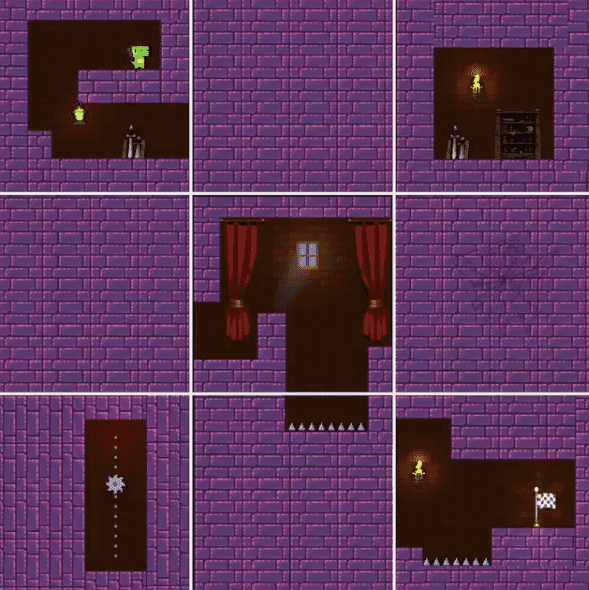
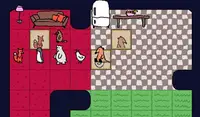
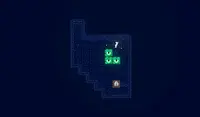
Shift the maze to reach the flag! Use the Arrow Keys or WASD to move and jump. When you encounter a block that'll prevent you from moving forward, look for arrow buttons to press to move the block!

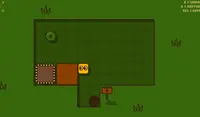
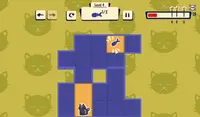
If there are arrows to the left and right of a row, that means you can shift a row horizontally. If there are arrows above or below a column, that you means you can shift a column vertically. You can shift a row by clicking either the left or right arrow.

Avoid the spikes and traps that await in this twisted maze!
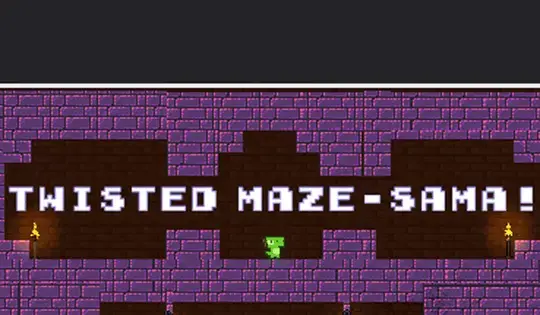
Shift the maze to reach the flag! Use the Arrow Keys or WASD to move and jump. When you encounter a block that'll prevent you from moving forward, look for arrow buttons to press to move the block!

If there are arrows to the left and right of a row, that means you can shift a row horizontally. If there are arrows above or below a column, that you means you can shift a column vertically. You can shift a row by clicking either the left or right arrow.

Avoid the spikes and traps that await in this twisted maze!

Game Progress

0 XP
Genre:
Rating:
Rating Star4.6 / 5(150 Votes)
Updated:
Jan 05, 2026
Release:
Nov 17, 2025
Platforms:
Browser

Instructions

Shift the maze to reach the flag! Use the Arrow Keys or WASD to move and jump. When you encounter a block that'll prevent you from moving forward, look for arrow buttons to press to move the block!

If there are arrows to the left and right of a row, that means you can shift a row horizontally. If there are arrows above or below a column, that you means you can shift a column vertically. You can shift a row by clicking either the left or right arrow.

Avoid the spikes and traps that await in this twisted maze!

Shift the maze to reach the flag! Use the Arrow Keys or WASD to move and jump. When you encounter a block that'll prevent you from moving forward, look for arrow buttons to press to move the block!

If there are arrows to the left and right of a row, that means you can shift a row horizontally. If there are arrows above or below a column, that you means you can shift a column vertically. You can shift a row by clicking either the left or right arrow.

Avoid the spikes and traps that await in this twisted maze!

4.6 Rating Star
150
Votes