












Just a Platformer









 3.8 / 5(28,709 Votes)
Instructions
Use the on-screen buttons to move and jump. The game is split up into four sections, branching out from the main hub. Each section has its own special type of jump. Beat all four sections to unlock the final area below the hub. But be warned: this game is very, very hard!
TIP: In the wall-jump section, it is easier if you hold Up while you are sliding down the wall. You won't jump until you tap a direction button.
Use WASD or the Arrow Keys to move and jump. The game is split up into four sections, branching out from the main hub. Each section has its own special type of jump. Beat all four sections to unlock the final area below the hub. But be warned: this game is very, very hard!
TIP: In the wall-jump section, it is easier if you hold W or UP while you are sliding down the wall. You won't jump until you press a direction key.
How to play Just a Platformer on your phone
Did you know you can also play Just a Platformer on your phone? It’s a great way to play without worrying about losing your save data.
For iOS devices, simply tap the "Share" icon  in Safari and select "Add to Home Screen". For Android devices, tap the “Menu” icon
  and select "Install App".
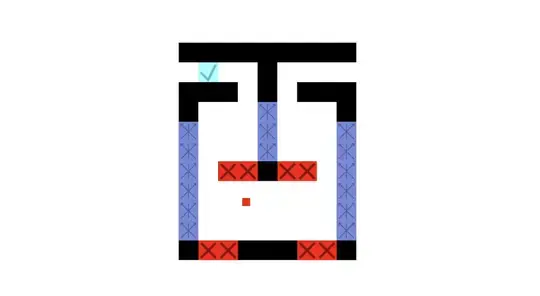
Game Progress

 3.8 / 5(28,709 Votes)
Instructions
Use the on-screen buttons to move and jump. The game is split up into four sections, branching out from the main hub. Each section has its own special type of jump. Beat all four sections to unlock the final area below the hub. But be warned: this game is very, very hard!
TIP: In the wall-jump section, it is easier if you hold Up while you are sliding down the wall. You won't jump until you tap a direction button.
How to play Just a Platformer on your phone
To play Just a Platformer easily any time, you can add it directly to your phone as an app. It’s a great way to play without worrying about losing your game save data.
For iOS devices, simply tap the "Share" icon in Safari and select "Add to Home Screen". For Android devices, tap the “Menu” icon and select "Install App".
Votes