













Code Panda





Instructions
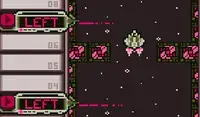
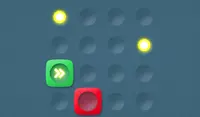
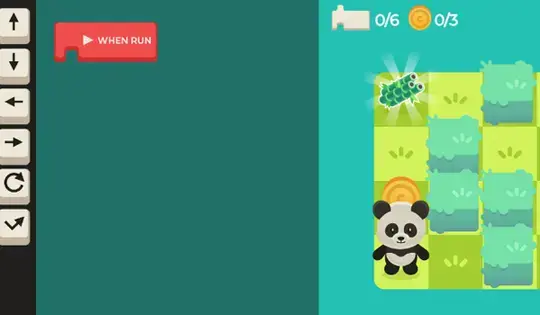
Tap the arrow in the middle of the screen to switch between the panda's map and the coding area. Tap and drag the arrow buttons on the left side of the screen to connect them to the red button. When you tap the red button, the panda will follow the commands!
Hint: In later levels, try to grab the coins to get more stars.
Click and drag the arrow buttons on the left side of the screen to connect them to the red button. When you press the red button, the panda will follow the commands!
Hint: In later levels, try to grab the coins to get more stars.
How to play Code Panda on your phone
Did you know you can also play Code Panda on your phone? It’s a great way to play without worrying about losing your save data.
For iOS devices, simply tap the "Share" icon  in Safari and select "Add to Home Screen". For Android devices, tap the “Menu” icon
  and select "Install App".
Game Progress


Instructions
Tap the arrow in the middle of the screen to switch between the panda's map and the coding area. Tap and drag the arrow buttons on the left side of the screen to connect them to the red button. When you tap the red button, the panda will follow the commands!
Hint: In later levels, try to grab the coins to get more stars.
How to play Code Panda on your phone
To play Code Panda easily any time, you can add it directly to your phone as an app. It’s a great way to play without worrying about losing your game save data.
For iOS devices, simply tap the "Share" icon in Safari and select "Add to Home Screen". For Android devices, tap the “Menu” icon and select "Install App".

Votes