













Jump and Hover









 4.3 / 5(3,584 Votes)
Instructions
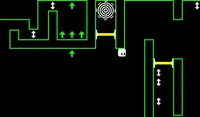
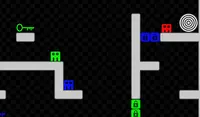
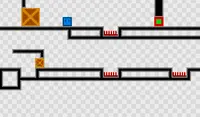
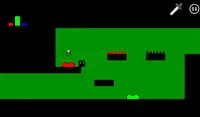
Tap the Arrows to move. Tap the UP Arrow to jump. Then hold it down to float in the air. Keep an eye on the green bar above your head when floating; that's how much energy you have left. Once you run out, you'll start falling down.
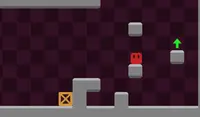
Grab the batteries in mid-air to recharge your energy. Avoid the red obstacles on your way to the portal.
Use A and D or the Arrow Keys to move. Press W, UP or SPACE to jump. Hold W, Up or SPACE in mid-air to hover. Keep an eye on the green bar above your head when floating; that's how much energy you have left. Once you run out, you'll start falling down.
Grab the batteries in mid-air to recharge your energy. Avoid the red obstacles on your way to the portal.
How to play Jump and Hover on your phone
Did you know you can also play Jump and Hover on your phone? It’s a great way to play without worrying about losing your save data.
For iOS devices, simply tap the "Share" icon  in Safari and select "Add to Home Screen". For Android devices, tap the “Menu” icon
  and select "Install App".
Game Progress

 4.3 / 5(3,584 Votes)
Instructions
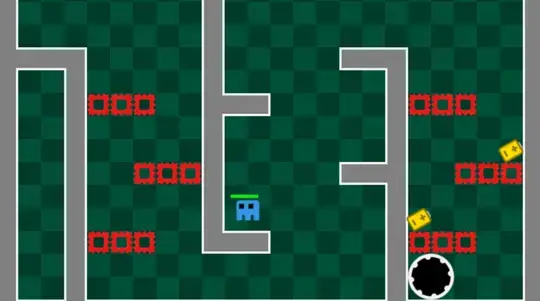
Tap the Arrows to move. Tap the UP Arrow to jump. Then hold it down to float in the air. Keep an eye on the green bar above your head when floating; that's how much energy you have left. Once you run out, you'll start falling down.
Grab the batteries in mid-air to recharge your energy. Avoid the red obstacles on your way to the portal.
How to play Jump and Hover on your phone
To play Jump and Hover easily any time, you can add it directly to your phone as an app. It’s a great way to play without worrying about losing your game save data.
For iOS devices, simply tap the "Share" icon in Safari and select "Add to Home Screen". For Android devices, tap the “Menu” icon and select "Install App".
Votes