






Plactions






 4.4 / 5(6,790 Votes)
How to Play Plactions
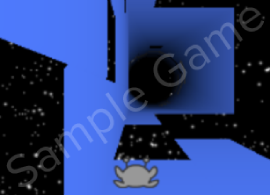
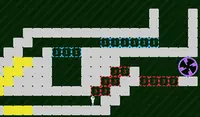
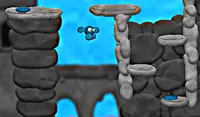
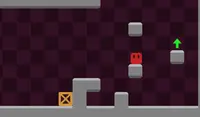
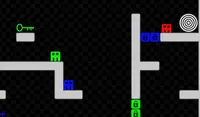
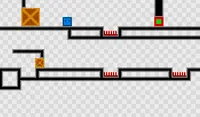
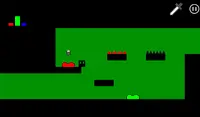
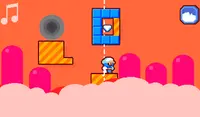
Tap the on-screen Arrows to move. You have a limited number of actions, indicated in the top left part of the screen. Tap the ACT button use the left-most action. If you don't have any actions available and you can't reach the portal, press the circle button to restart the level. In some levels, you can pick up extra actions by running into the icons in the level.
TIP: Sometimes you need to use an action just to get to the one behind it.
Use A and D or the Arrow Keys to move. You have a limited number of actions, indicated in the top left part of the screen. Press UP or W to use the left-most action. If you don't have any actions available and you can't reach the portal, press R to restart the level. In some levels, you can pick up extra actions by running into the icons in the level.
TIP: Sometimes you need to use an action just to get to the one behind it.
How to play Plactions on your phone
Did you know you can also play Plactions on your phone? It’s a great way to play without worrying about losing your save data.
For iOS devices, simply tap the "Share" icon  in Safari and select "Add to Home Screen". For Android devices, tap the “Menu” icon
 and select "Install App".

Game Progress

 4.4 / 5(6,790 Votes)
How to Play Plactions
Tap the on-screen Arrows to move. You have a limited number of actions, indicated in the top left part of the screen. Tap the ACT button use the left-most action. If you don't have any actions available and you can't reach the portal, press the circle button to restart the level. In some levels, you can pick up extra actions by running into the icons in the level.
TIP: Sometimes you need to use an action just to get to the one behind it.
How to play Plactions on your phone
To play Plactions easily any time, you can add it directly to your phone as an app. It’s a great way to play without worrying about losing your game save data.
For iOS devices, simply tap the "Share" icon in Safari and select "Add to Home Screen". For Android devices, tap the “Menu” icon and select "Install App".
Votes