









Spot the Difference






Instructions
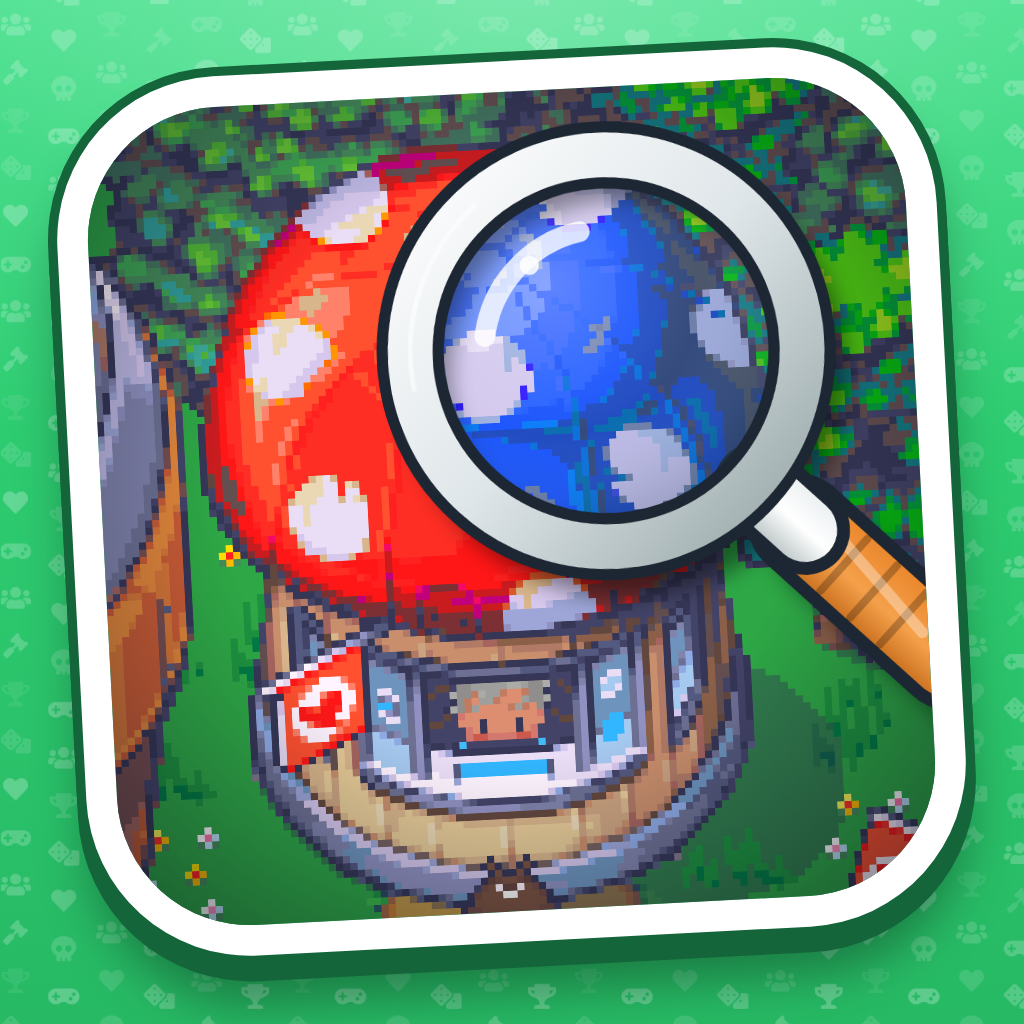
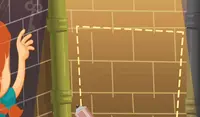
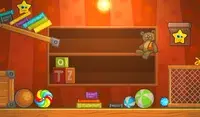
Your goal is to find the differences in the images faster than your online opponents. When you spot a difference, click on it. Be careful: a wrong click costs you 50 points and prevents you from clicking for a few seconds. The faster you find all the differences, the more points you'll earn.
Play Random Opponents
Click "Play Random Opponents" to get matched with another player. On the next screen, two dropdown boxes let you change matchmaking preferences:
1. Public matches
- Excluded (default): Only play a regular match with default settings.
- Default Settings Only: Allows you to join matches created by other players, but only the ones that use default game rules and settings.
- Any Settings: You can join any public match, even if the host changed the rules.
2. Opponent filter
- Any level: Match with players of any level.
- LVL 5 or higher: Only match with players level 5 or above.
- LVL 25 or higher: Only match with players who are level 25 or above.
- Around my level: Only match with players close to your level.
Play matches to gain XP and level up!
Create Match
Click "Create Match" to set up your own game.
Pick "Private" from the dropdown menu if you only want to play solo or with friends. If you want to invite your friends, click on the "Invite Friends" button or the Match ID and send them the link that was copied to your clipboard.
"Public" allows anyone to join. When everyone in the lobby clicks "Ready Up", the match starts. If you're playing alone, click Start Match.
Match Settings
- Match Privacy: Public or Private.
- Difficulty: How hard the differences are to see. It doesn't change how many there are or how much time you get.
- Max. Players: How many players can join the match (up to 12).
Presets
Choose one of the following presets to change the game rules:
Versus: Every player gets their own copy of the scene, so it's a race to find the most differences before time runs out. Finding a difference doesn't take it away from anyone else. Differences are worth more the faster you find them.
Co-op: Everyone works on one set of differences together and shares one score.
Teams: Players split into teams and choose which team to join. Each team gets its own copy of the scene, so you can only lose differences to your own teammates, not to the other team.
Hardcore Versus: Everyone looks for the same set of differences. The first player to click a difference keeps it, making it impossible for the other players/teams to click it. The mirrored cursor is off, so you'll have to look more closely to spot each difference.
Custom Settings
- Time per scene: How long, in seconds, players have to find all the differences before they're revealed.
- Differences: The number of differences in each scene. A simple scene might have fewer than you ask for.
- Scenes: The number of scenes that will appear in the match.
- Mode: Play solo, co-op, or teams.
- Shared finds: When on, after you click on a difference, the other players or teams cannot click on it anymore. When off, each player or team can click on their own copy. In Co-op, players share one set of differences.
- Mirrored cursor: When on, a crosshair on the other picture shows where your mouse is, so you never lose your place. Turn it off for a tougher challenge.
- Speed bonus: When on, a difference is worth more points the faster you find it.
- Penalty for wrong clicks: When on, clicking on a spot that isn't a difference costs you points and delays your next click. When off, you can click around as much as you want.
- Lockout after a wrong click: How long a wrong click delays your next click. Only works when "Penalty for wrong clicks" is on.
- Points lost for a wrong click: How many points a wrong click costs. Set it to 0 to lose time but no points. Only works when the penalty is on.
Scenes
Choose which of the 15 scenes will be included in your match.
Browse Matches
On the title screen, click "Browse Matches" to see matches that other players have created. Click a match to join its lobby, then click "Ready Up". The match starts when every player is ready. You can't join a match that's already full or has already started. You also can't join a private match unless you know the ID.
How to play Spot the Difference on your phone
Did you know you can also play Spot the Difference on your phone? It’s a great way to play without worrying about losing your save data.
For iOS devices, simply tap the "Share" icon  in Safari and select "Add to Home Screen". For Android devices, tap the “Menu” icon
 and select "Install App".
Game Progress


Instructions
Your goal is to find the differences in the images faster than your online opponents. When you spot a difference, click on it. Be careful: a wrong click costs you 50 points and prevents you from clicking for a few seconds. The faster you find all the differences, the more points you'll earn.
Play Random Opponents
Click "Play Random Opponents" to get matched with another player. On the next screen, two dropdown boxes let you change matchmaking preferences:
1. Public matches
- Excluded (default): Only play a regular match with default settings.
- Default Settings Only: Allows you to join matches created by other players, but only the ones that use default game rules and settings.
- Any Settings: You can join any public match, even if the host changed the rules.
2. Opponent filter
- Any level: Match with players of any level.
- LVL 5 or higher: Only match with players level 5 or above.
- LVL 25 or higher: Only match with players who are level 25 or above.
- Around my level: Only match with players close to your level.
Play matches to gain XP and level up!
Create Match
Click "Create Match" to set up your own game.
Pick "Private" from the dropdown menu if you only want to play solo or with friends. If you want to invite your friends, click on the "Invite Friends" button or the Match ID and send them the link that was copied to your clipboard.
"Public" allows anyone to join. When everyone in the lobby clicks "Ready Up", the match starts. If you're playing alone, click Start Match.
Match Settings
- Match Privacy: Public or Private.
- Difficulty: How hard the differences are to see. It doesn't change how many there are or how much time you get.
- Max. Players: How many players can join the match (up to 12).
Presets
Choose one of the following presets to change the game rules:
Versus: Every player gets their own copy of the scene, so it's a race to find the most differences before time runs out. Finding a difference doesn't take it away from anyone else. Differences are worth more the faster you find them.
Co-op: Everyone works on one set of differences together and shares one score.
Teams: Players split into teams and choose which team to join. Each team gets its own copy of the scene, so you can only lose differences to your own teammates, not to the other team.
Hardcore Versus: Everyone looks for the same set of differences. The first player to click a difference keeps it, making it impossible for the other players/teams to click it. The mirrored cursor is off, so you'll have to look more closely to spot each difference.
Custom Settings
- Time per scene: How long, in seconds, players have to find all the differences before they're revealed.
- Differences: The number of differences in each scene. A simple scene might have fewer than you ask for.
- Scenes: The number of scenes that will appear in the match.
- Mode: Play solo, co-op, or teams.
- Shared finds: When on, after you click on a difference, the other players or teams cannot click on it anymore. When off, each player or team can click on their own copy. In Co-op, players share one set of differences.
- Mirrored cursor: When on, a crosshair on the other picture shows where your mouse is, so you never lose your place. Turn it off for a tougher challenge.
- Speed bonus: When on, a difference is worth more points the faster you find it.
- Penalty for wrong clicks: When on, clicking on a spot that isn't a difference costs you points and delays your next click. When off, you can click around as much as you want.
- Lockout after a wrong click: How long a wrong click delays your next click. Only works when "Penalty for wrong clicks" is on.
- Points lost for a wrong click: How many points a wrong click costs. Set it to 0 to lose time but no points. Only works when the penalty is on.
Scenes
Choose which of the 15 scenes will be included in your match.
Browse Matches
On the title screen, click "Browse Matches" to see matches that other players have created. Click a match to join its lobby, then click "Ready Up". The match starts when every player is ready. You can't join a match that's already full or has already started. You also can't join a private match unless you know the ID.
How to play Spot the Difference on your phone
To play Spot the Difference easily any time, you can add it directly to your phone as an app. It’s a great way to play without worrying about losing your game save data.
For iOS devices, simply tap the "Share" icon in Safari and select "Add to Home Screen". For Android devices, tap the “Menu” icon and select "Install App".

Connect the dots and fill the grid! Make a path that connects every number in the right order and fills up every cell.

Every day is a new puzzle! Put together an image using 24, 54, or 96 pieces. How fast can you complete the puzzle?

Put down the newspaper and solve a new hand-crafted crossword every day. Find words down and across in this classic word-guessing game.

Just like in real life, these Queens don't like to share. There can only be one Queen in each row, column, and region, and they can't touch, either.

Use the clues to build a ladder of words, one word at a time. Each day there is a new word ladder to climb.

Solve the riddle in four tries or less! Each incorrect guess will give you a new hint. Can you figure out the riddle without running out of chances?

First unscramble the words, then solve the riddle. How quickly can you do it?

A new plumbing challenge every day! Play three different puzzles of increasing difficulty to connect all the pipes. Can you fix the pipes in as few moves as possible?

Connect the tiles to make new words every day! String letters together and form as many words as you can to score the most points.
Sort, stack and play all 52 cards to solve today's FreeCell challenge.

Solve the LA Times crossword online! Find new words each day down and across the grid in this popular crossword puzzle.

Five words belong to a common category. You start with one word, and get a new hint each time you guess incorrectly. Can you guess the category correctly?

Use your reasoning skills to balance the grid with suns and moons. There is a new puzzle to solve every day!

Step right up and take the daily number challenge! Guess how many objects there are in total. You only have one chance per day, make it count!

Fill in the numbers in new, daily puzzles! Each number can only appear once in a grid. Can you put the numbers in their rightful place?

Play the tiniest crossword on the site! Solve the daily puzzles and spell out new words across and down the board. Can you solve the puzzles?

It's the classic game with a mathematical twist! As you fill in the numbers, make sure they add up to the number in the corners of the squares.