








Crossmath




Instructions
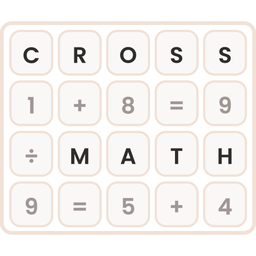
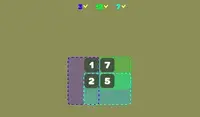
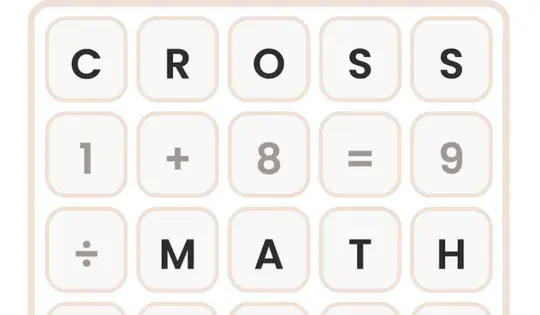
Your goal is to fill in the blank spaces on the grid with the correct numbers. Click and drag the number tiles from the tray at the bottom into the empty boxes on the grid. Every number you drag onto has to make the equations correct in all directions.
When an equation is correct, its boxes turn green. If it's incorrect, the boxes turn red. Click a number on the grid to send it back to the tray.
If you get stuck, click the lightbulb for a hint. It lights up the right tile and the box where it goes. You can also use the Undo button to take back a move, or the Restart button to start the puzzle over.
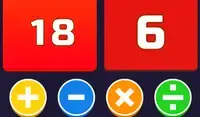
There are four level packs to choose from:
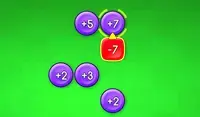
- Addition
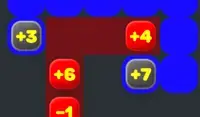
- Subtraction
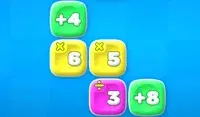
- Multiplication
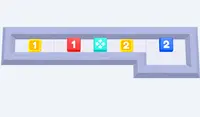
- Division
Can you solve every problem in every pack?
Your goal is to fill in the blank spaces on the grid with the correct numbers. Click and drag the number tiles from the tray at the bottom into the empty boxes on the grid. Every number you drag onto has to make the equations correct in all directions.
When an equation is correct, its boxes turn green. If it's incorrect, the boxes turn red. Click a number on the grid to send it back to the tray.
If you get stuck, click the lightbulb for a hint. It lights up the right tile and the box where it goes. You can also use the Undo button to take back a move, or the Restart button to start the puzzle over.
There are four level packs to choose from:
- Addition
- Subtraction
- Multiplication
- Division
Can you solve every problem in every pack?
Comment jouer Crossmath sur votre téléphone
Saviez-vous que vous pouvez également jouer Crossmath sur votre téléphone? C'est un excellent moyen de jouer sans craindre de perdre vos données de sauvegarde.
Pour les appareils iOS, appuyez simplement sur "Partager" icône  dans Safari et sélectionnez "Ajouter à l'écran d'accueil". Pour les appareils Android, appuyez sur l'icône "Menu"
 et sélectionnez "Installer l'application".
Progression du jeu


Instructions
Your goal is to fill in the blank spaces on the grid with the correct numbers. Click and drag the number tiles from the tray at the bottom into the empty boxes on the grid. Every number you drag onto has to make the equations correct in all directions.
When an equation is correct, its boxes turn green. If it's incorrect, the boxes turn red. Click a number on the grid to send it back to the tray.
If you get stuck, click the lightbulb for a hint. It lights up the right tile and the box where it goes. You can also use the Undo button to take back a move, or the Restart button to start the puzzle over.
There are four level packs to choose from:
- Addition
- Subtraction
- Multiplication
- Division
Can you solve every problem in every pack?
Comment jouer Crossmath sur votre téléphone
Jouer Crossmath facilement à tout moment, vous pouvez l'ajouter directement à votre téléphone en tant qu'application. C'est un excellent moyen de jouer sans vous soucier de perdre vos données de sauvegarde de jeu.
Pour les appareils iOS, appuyez simplement sur "Partager" icône dans Safari et sélectionnez "Ajouter à l'écran d'accueil". Pour les appareils Android, appuyez sur l'icône "Menu" e selecione "Instalar aplicativo".