













Light Push

 4.0 / 5(333 Votes)
Instructions
Swipe up, down, left, or right to move. Tap the U button to undo your last move and tap the arrow in a circle to restart the level. Tap the back arrow to go back to the level select menu.
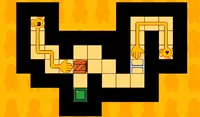
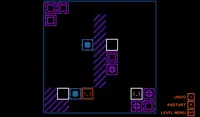
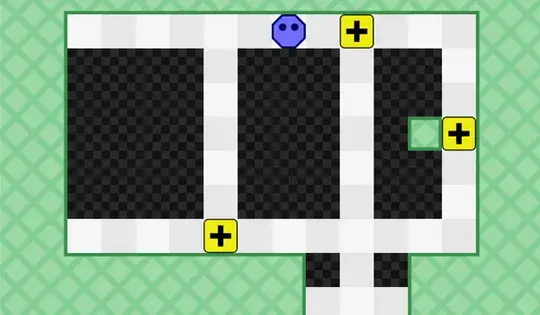
You can only move in the light, so push the yellow light blocks to make your path to the end of the level. Look carefully at the icon on the yellow blocks. It shows the direction that the light will shine.
Move with WASD or the Arrow Keys. Press U to undo your last move and R to restart the level. Press ESCAPE to go back to the level select menu.
You can only move in the light, so push the yellow light blocks to make your path to the end of the level. Look carefully at the icon on the yellow blocks. It shows the direction that the light will shine.
How to play Light Push on your phone
Did you know you can also play Light Push on your phone? It’s a great way to play without worrying about losing your save data.
For iOS devices, simply tap the "Share" icon  in Safari and select "Add to Home Screen". For Android devices, tap the “Menu” icon
  and select "Install App".
Game Progress

 4.0 / 5(333 Votes)
Instructions
Swipe up, down, left, or right to move. Tap the U button to undo your last move and tap the arrow in a circle to restart the level. Tap the back arrow to go back to the level select menu.
You can only move in the light, so push the yellow light blocks to make your path to the end of the level. Look carefully at the icon on the yellow blocks. It shows the direction that the light will shine.
How to play Light Push on your phone
To play Light Push easily any time, you can add it directly to your phone as an app. It’s a great way to play without worrying about losing your game save data.
For iOS devices, simply tap the "Share" icon in Safari and select "Add to Home Screen". For Android devices, tap the “Menu” icon and select "Install App".
Votes