Lo sentimos... este juego no se puede jugar en tu navegador.

Este juego Flash actualmente no se puede jugar en tu navegador, ¡pero estamos trabajando para solucionarlo! Vuelve regularmente para ver si está listo para jugar.
La mayoría de los navegadores ya no son compatibles con Flash. Los juegos afectados se indican mediante


Guarde sus favoritos
Inicia sesión para guardar todos tus juegos Coolmath favoritos.
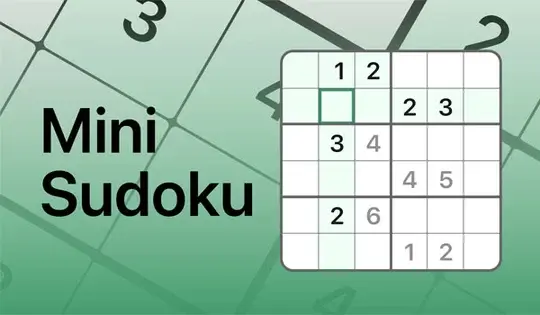
Mini Sudoku by LinkedIn
Contenido del juego revisado porJonathan Keefer
Instrucciones
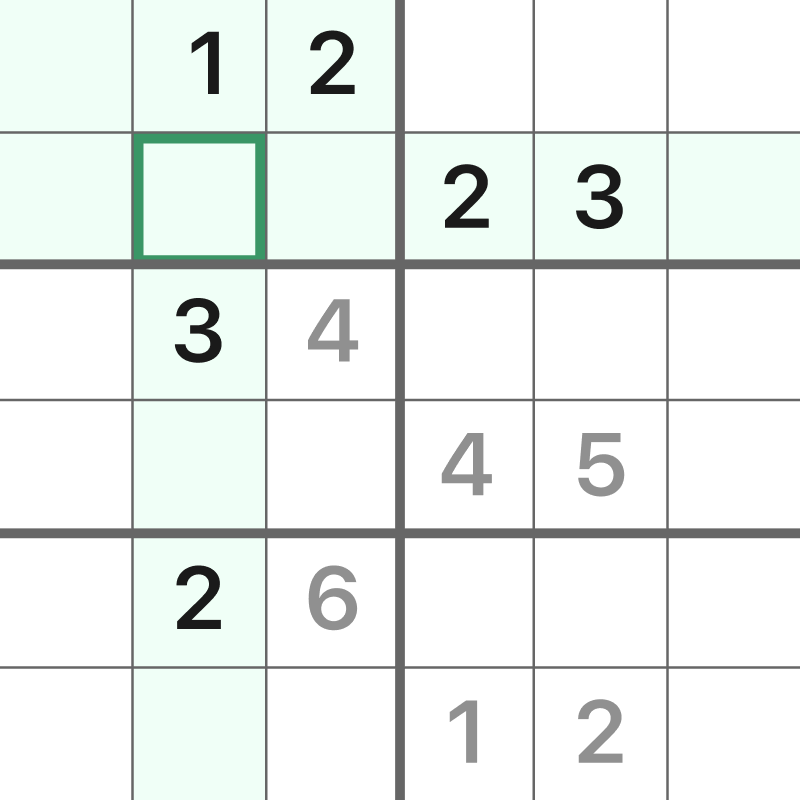
Put every number in its place! This bite-sized version of Sudoku only has 6 rows and columns. Your goal is to make sure each cell has a number 1-6 without repeating in a row, column, or box. Click on a square in the grid, then click on a number to place it. You can also type the number in on your keyboard.
If you place a repeating number in a row, column, or box, the cell will turn red. If you fill a row, column, or box correctly, that area will be highlighted in green for a brief moment! If you don't see the green highlight after filling in a section fully, it means a number is not in the correct spot.
You can click the Notes button to write notes in the cells for where to place the next number. If you get stuck, click on the Hint button to get a hint!
TIP: To see how many instances of a number need to be placed in the grid, click on Settings, then click "Count remaining numbers." This will show you how many instances of a number need to be placed in the grid!
¡Coloca cada número en su lugar! Esta versión reducida de Sudoku solo tiene 6 filas y columnas. Tu objetivo es asegurarte de que cada casilla tenga un número del 1 al 6 sin repetirlo en la misma fila, columna o casilla. Haz clic en una casilla de la cuadrícula y luego haz clic en un número para colocarlo. También puedes escribir el número con el teclado.
Si colocas un número repetido en una fila, columna o casilla, la celda se pondrá roja. Si rellenas correctamente una fila, columna o casilla, esa área se resaltará en verde por un instante. Si no ves el resaltado verde después de rellenar una sección por completo, significa que un número no está en la posición correcta.
Puedes hacer clic en el botón Notas para escribir anotaciones en las celdas sobre dónde colocar el siguiente número. Si te quedas atascado, haz clic en el botón Pista para obtener una ayuda.
CONSEJO: Para ver cuántas veces debe colocarse un número en la cuadrícula, haga clic en Configuración y luego en "Contar números restantes". ¡Esto le mostrará cuántas veces debe colocarse un número en la cuadrícula!
Just a moment while your advertisement loads
Advertisement
Just a moment while your advertisement loads
Advertisement
Mini Sudoku by LinkedIn

Contenido del juego revisado porJonathan Keefer
Instrucciones
Put every number in its place! This bite-sized version of Sudoku only has 6 rows and columns. Your goal is to make sure each cell has a number 1-6 without repeating in a row, column, or box. Click on a square in the grid, then click on a number to place it. You can also type the number in on your keyboard.
If you place a repeating number in a row, column, or box, the cell will turn red. If you fill a row, column, or box correctly, that area will be highlighted in green for a brief moment! If you don't see the green highlight after filling in a section fully, it means a number is not in the correct spot.
You can click the Notes button to write notes in the cells for where to place the next number. If you get stuck, click on the Hint button to get a hint!
TIP: To see how many instances of a number need to be placed in the grid, click on Settings, then click "Count remaining numbers." This will show you how many instances of a number need to be placed in the grid!
¡Coloca cada número en su lugar! Esta versión reducida de Sudoku solo tiene 6 filas y columnas. Tu objetivo es asegurarte de que cada casilla tenga un número del 1 al 6 sin repetirlo en la misma fila, columna o casilla. Haz clic en una casilla de la cuadrícula y luego haz clic en un número para colocarlo. También puedes escribir el número con el teclado.
Si colocas un número repetido en una fila, columna o casilla, la celda se pondrá roja. Si rellenas correctamente una fila, columna o casilla, esa área se resaltará en verde por un instante. Si no ves el resaltado verde después de rellenar una sección por completo, significa que un número no está en la posición correcta.
Puedes hacer clic en el botón Notas para escribir anotaciones en las celdas sobre dónde colocar el siguiente número. Si te quedas atascado, haz clic en el botón Pista para obtener una ayuda.
CONSEJO: Para ver cuántas veces debe colocarse un número en la cuadrícula, haga clic en Configuración y luego en "Contar números restantes". ¡Esto le mostrará cuántas veces debe colocarse un número en la cuadrícula!