













ARROW 2: Patterns







 4.0 / 5(402 Votes)
Instructions
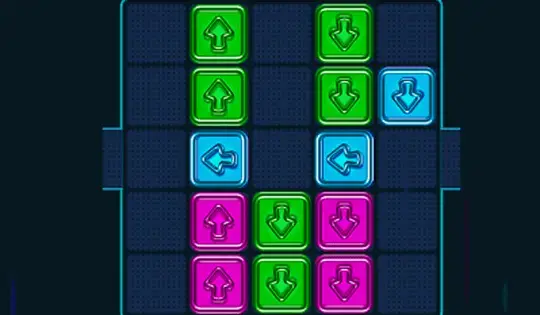
Swipe the screen to move the arrows. Whichever direction the arrow faces is the direction it will move in. Your goal is to put the arrows in the proper place to match the pattern shown in the corner of the screen.
If you need to rotate the arrows, run into the blue circles to change the arrow's direction!
Will you take it easy or play hard?
Use the Arrow Keys to move the arrows. Whichever direction the arrow faces is the direction it will move in. Your goal is to put the arrows in the proper place to match the pattern shown in the corner of the screen.
If you need to rotate the arrows, run into the blue circles to change the arrow's direction!
Will you take it easy or play hard?
How to play ARROW 2: Patterns on your phone
Did you know you can also play ARROW 2: Patterns on your phone? It’s a great way to play without worrying about losing your save data.
For iOS devices, simply tap the "Share" icon  in Safari and select "Add to Home Screen". For Android devices, tap the “Menu” icon
  and select "Install App".
Game Progress

 4.0 / 5(402 Votes)
Instructions
Swipe the screen to move the arrows. Whichever direction the arrow faces is the direction it will move in. Your goal is to put the arrows in the proper place to match the pattern shown in the corner of the screen.
If you need to rotate the arrows, run into the blue circles to change the arrow's direction!
Will you take it easy or play hard?
How to play ARROW 2: Patterns on your phone
To play ARROW 2: Patterns easily any time, you can add it directly to your phone as an app. It’s a great way to play without worrying about losing your game save data.
For iOS devices, simply tap the "Share" icon in Safari and select "Add to Home Screen". For Android devices, tap the “Menu” icon and select "Install App".
Votes