












Lost Joe









Instructions
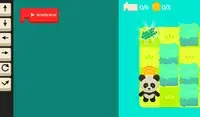
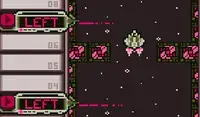
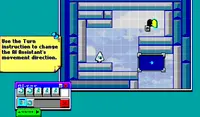
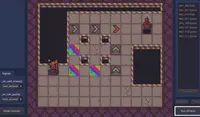
Joe will only move in the direction he is facing, so use the items in your inventory to guide Joe to the exit. Tap on an item in your inventory to select it, then tap on a grid space to place it. To remove an item, tap on the item again.
Joe will only move in the direction he is facing, so use the items in your inventory to guide Joe to the exit. Blocks can be used to turn Joe around. Click on an item in your inventory to select it, then click on a grid space to place it. Click again to remove an item, or press the X button on the screen to remove all items.
How to play Lost Joe on your phone
Did you know you can also play Lost Joe on your phone? It’s a great way to play without worrying about losing your save data.
For iOS devices, simply tap the "Share" icon  in Safari and select "Add to Home Screen". For Android devices, tap the “Menu” icon
  and select "Install App".
Game Progress


Instructions
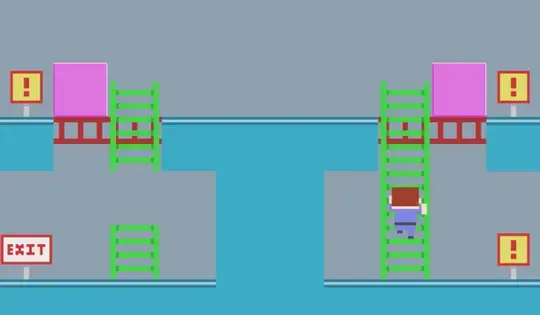
Joe will only move in the direction he is facing, so use the items in your inventory to guide Joe to the exit. Tap on an item in your inventory to select it, then tap on a grid space to place it. To remove an item, tap on the item again.
How to play Lost Joe on your phone
To play Lost Joe easily any time, you can add it directly to your phone as an app. It’s a great way to play without worrying about losing your game save data.
For iOS devices, simply tap the "Share" icon in Safari and select "Add to Home Screen". For Android devices, tap the “Menu” icon and select "Install App".

Votes